Immigration Case Management Software
Manage every immigration matter with its documents, notes, tasks, reminders, forms, agreements, emails and finance records in one case workspace.
What it does
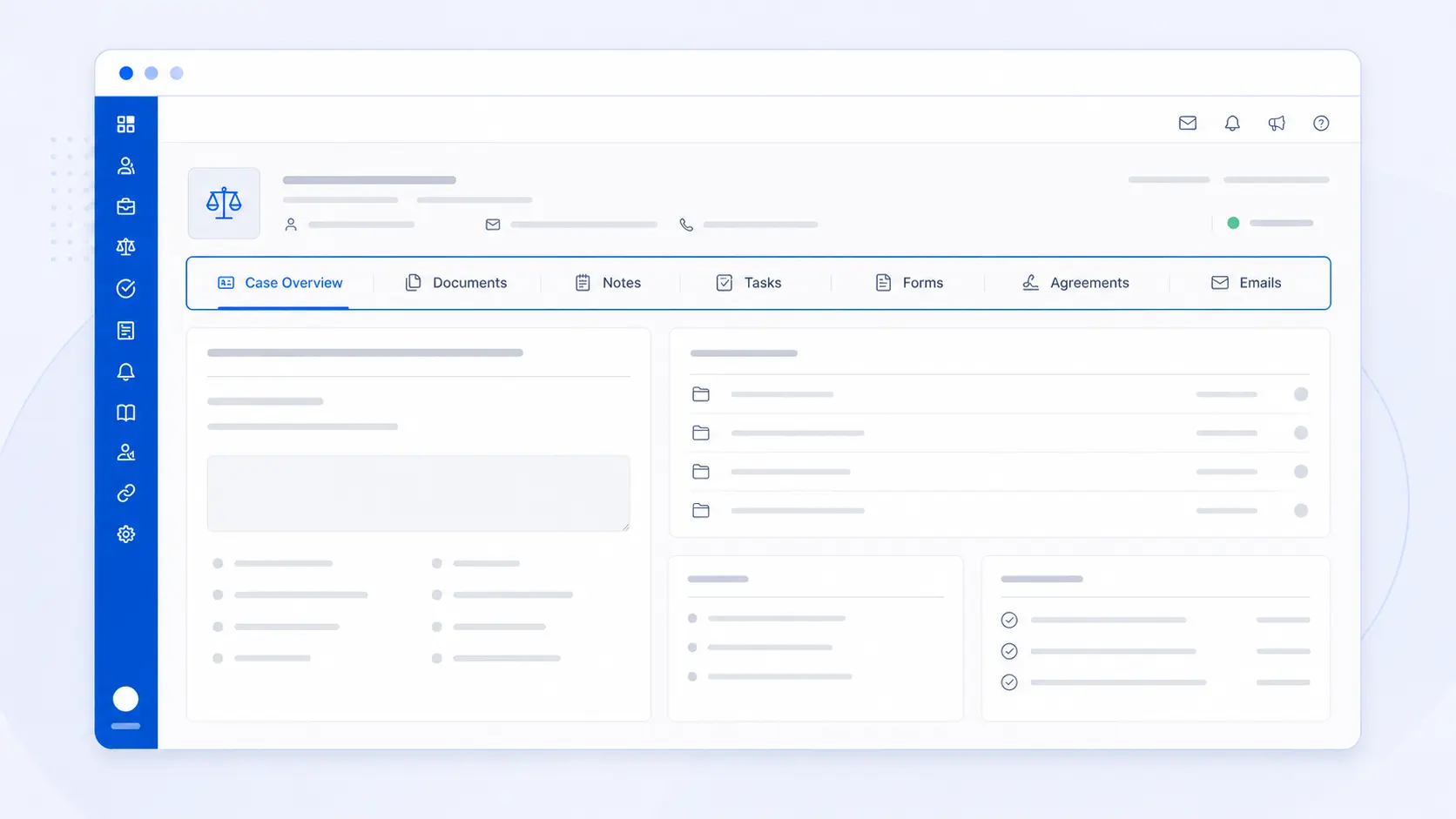
AdviserAide gives each immigration matter its own working case file. The case profile brings the status, documents, notes, tasks, reminders, forms, agreements, emails and finance history together, while keeping separate matters for the same client clearly separated.
What this helps your practice do
- Keep every immigration matter separate and connected to the correct client
- See the case status, category, adviser and key information in one place
- Work with documents, notes, tasks, forms, agreements, emails and finance from the case
- Build a clearer activity trail while the work is happening
A practical workflow from the AdviserAide Help Centre
Create the matter
Create a case for the immigration service, choose its category and status, and assign the people responsible for it.
Work from the case
Add the documents, notes, tasks, reminders, forms, agreements, emails and financial records that belong to that matter.
Review progress
Return to the case profile to see what has happened, what is outstanding and where the supporting records are stored.
One profile for the whole matter
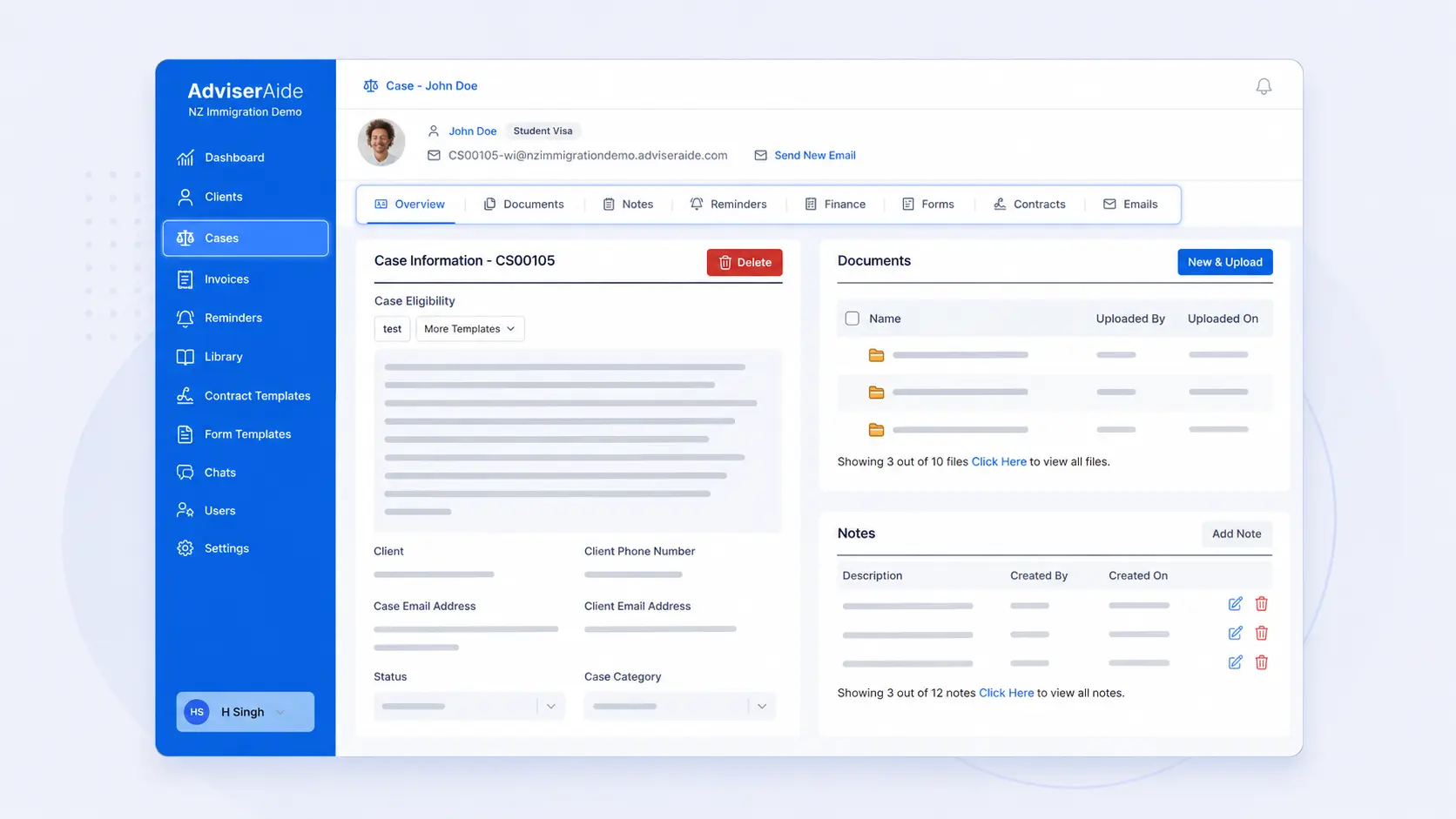
The Overview tab shows the case status, category, assigned adviser, client details and other case information. The surrounding tabs lead directly to the records used to manage the matter.
- Keep a distinct case for each visa or immigration service
- Move cases through the statuses used by your practice
- Find the client and case information without opening separate systems
Documents and notes stay with the case
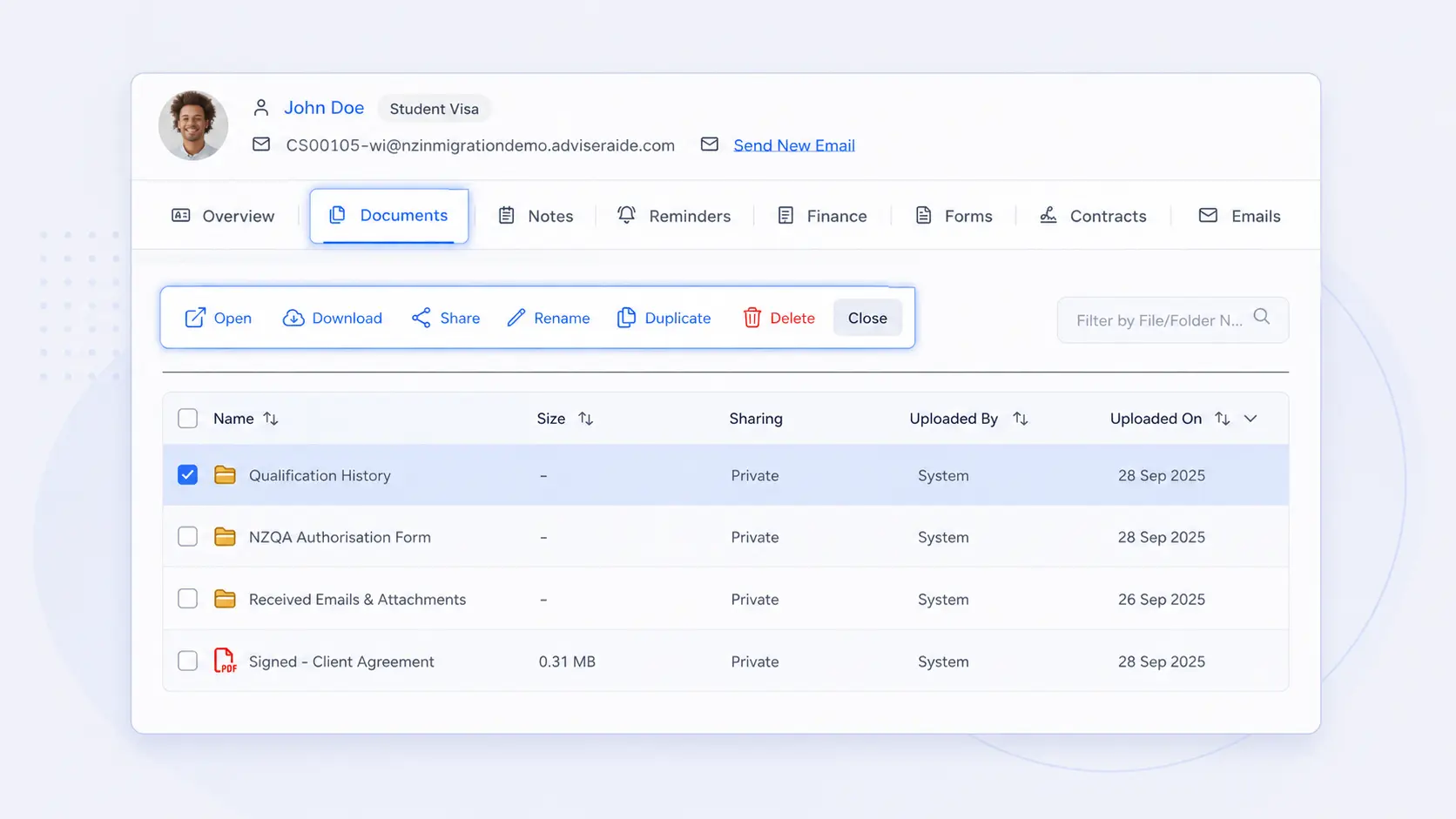
Upload supporting files to Case Documents and record material conversations, instructions and advice in Case Notes. Keeping both beside the matter makes the working record easier to understand and review.
- Organise documents into folders inside the case
- Use case notes for important calls, advice and decisions
- Keep the record connected to the matter it explains
Turn the next action into a visible task
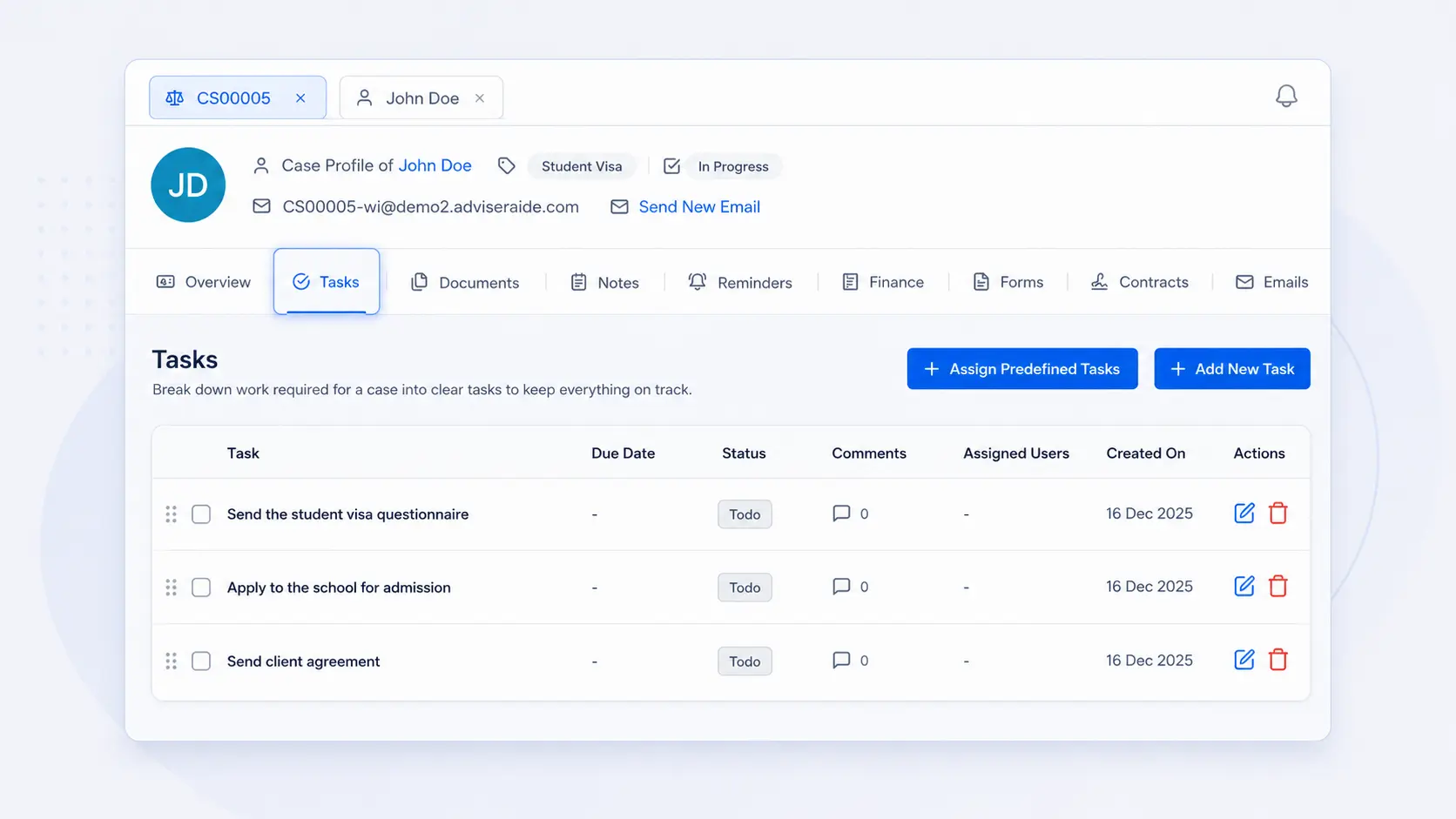
Use predefined task templates for repeatable processes or create an ad-hoc task for work unique to the matter. Tasks can be assigned, dated and discussed without relying on someone’s memory.
- Automatically add matching task templates when a case is created
- Create and assign ad-hoc tasks from the case
- Use comments to keep task discussion with the work
Read the detailed product guides
These pages are based on the current AdviserAide Help Centre. Use the documentation for complete setup instructions and detailed behaviour.
Related articles
Immigration CRM vs Case Management Software: What Is the Difference?
CRM organises relationships; case-management software organises the matter. Immigration practices usually need both views connected in one workflow.
One Client, Multiple Visa Matters: How to Keep Every Case Separate
Keep each visa matter distinct while retaining one reliable client record, linked contacts, documents, tasks, communications, and financial history.
See the workflow with your own process
Book a demonstration or request a trial account to test how this feature fits the way your immigration practice works.