Immigration CRM vs Case Management Software: What Is the Difference?
CRM organises relationships; case-management software organises the matter. Immigration practices usually need both views connected in one workflow.
The short answer
An immigration CRM organises the relationship with a person or employer; case-management software organises the individual legal or advisory matter. A practice usually needs both. The useful question is whether the system connects them while keeping each visa, residence, citizenship, sponsorship or employer matter distinct.
What to check
CRM: people, organisations, contact details and relationships
Case management: matter scope, status, ownership, deadlines and activity
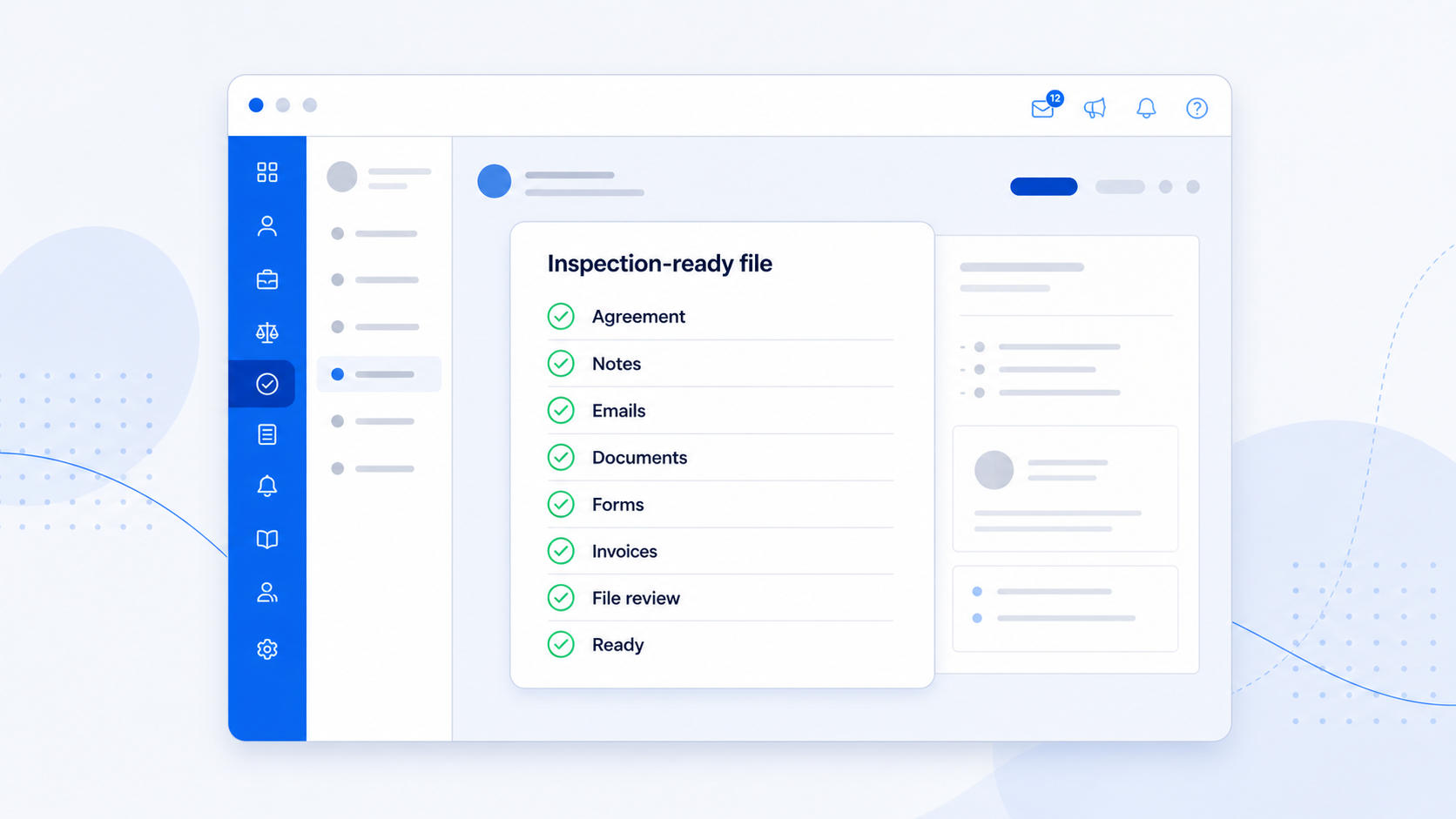
Client file: documents, communications, notes, forms, agreements and billing evidence
Practice management: permissions, reporting, templates, workflows and team oversight
What the CRM layer should answer
The CRM view should tell you who the person or employer is, how to contact them, who they are related to and which current or historic matters belong to them.
That view should not collapse every service into one undifferentiated timeline. A returning client can have multiple matters with different scopes, dates, documents and outcomes.
What the case-management layer should answer
The case view should explain what the practice was engaged to do, who owns the work, the current status, what is due next and which records belong to that matter.
For immigration work, that normally means bringing notes, email, documents, forms, agreements, tasks, reminders, invoices and payments into the context of the case.
Why the connection matters
Separate CRM and case systems create duplicate data and force staff to decide where the truth lives. A connected model lets the client record describe the relationship while each case remains a clean working file.
During a trial, test one family or employer relationship across several cases. Staff should be able to move between related records without accidentally attaching a document or email to the wrong matter.
Sources and detailed guidance
See this workflow in AdviserAide
Review the feature guide, then test the workflow against the way your immigration practice works.
Explore immigration case managementOfficial guidance can change. Check the linked source before relying on a form version or professional-practice requirement.