Back to Release Notes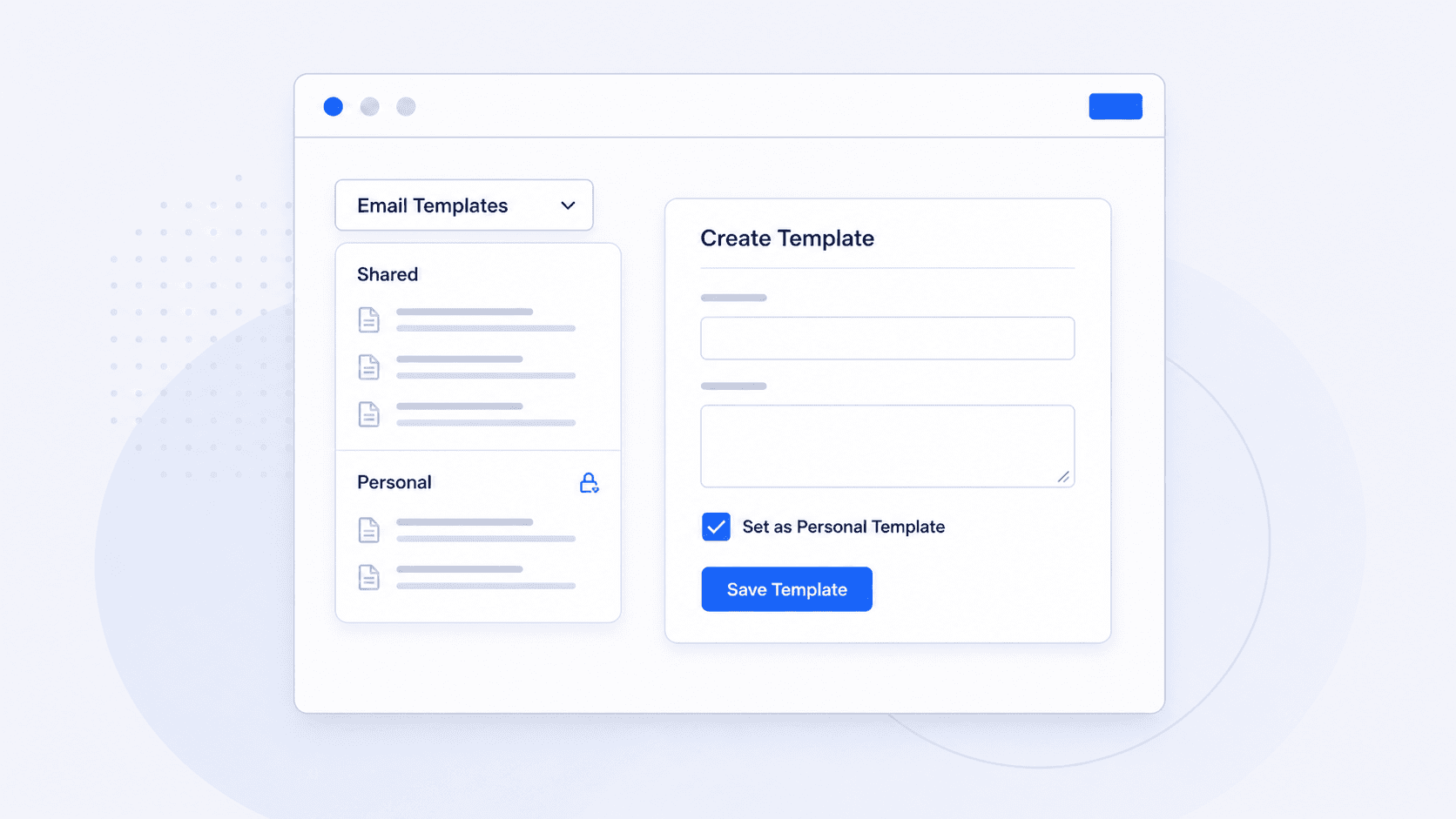
Create personal email templates
Create personal email templates without adding them to the shared team template list.
18 June 20261 min read
You can now create personal email templates.
Teams work from a shared email template list, but individual users sometimes need templates that only they use.
Before this, those personal email templates could appear in the shared team list, making it harder for everyone to find the templates they actually use.
Now you can mark an email template as personal. Personal templates are only visible to you, while shared templates remain available to the team.
How to use it
- Open the email template menu.
- Select More Templates, then Create New Template. If there are no templates yet, select Create Template.
- Enter the template name and content.
- Tick Set as Personal Template.
- Select Save Template.
You can also tick Set as Default Template if you want your personal template to be selected by default for you.