Back to Release Notes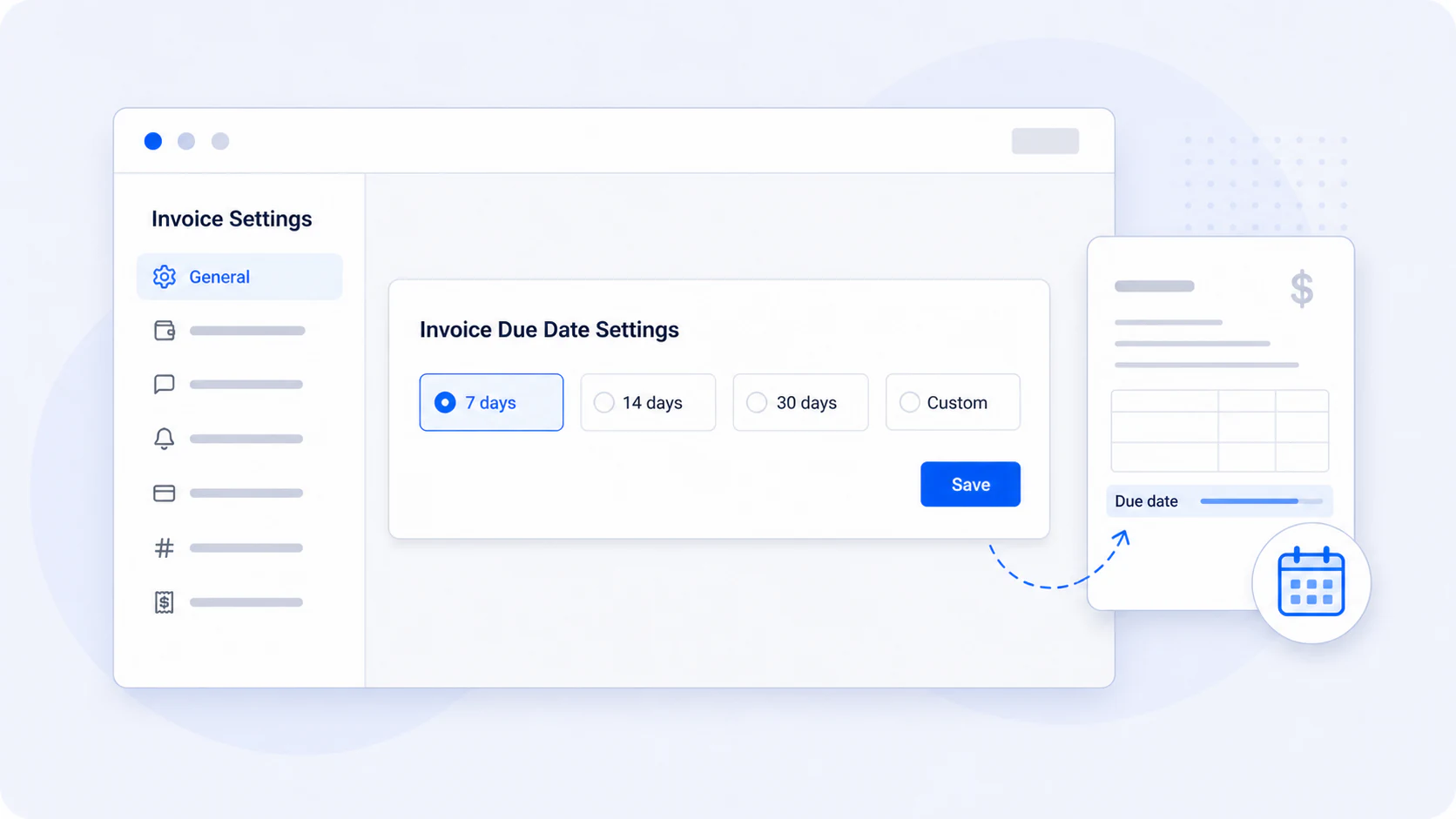
Choose the default due date for new invoices
Set how many days after the invoice date new invoices should be due.
7 August 20261 min read
New invoices previously started with a seven-day due date. If your organisation normally gives clients 14 days, 30 days, or another payment period, the due date had to be changed on every invoice.
Now an administrator can choose the default payment period for new invoices. AdviserAide uses the saved setting to calculate the due date from the invoice date whenever a new invoice is created.
How to set it
- Open Settings.
- Select Invoice.
- Open General.
- Choose 7 days, 14 days, 30 days, or Custom.
- Select Save.
The setting applies to new invoices and does not change existing invoices. You can still change the due date on an individual invoice when needed.