Back to Release Notes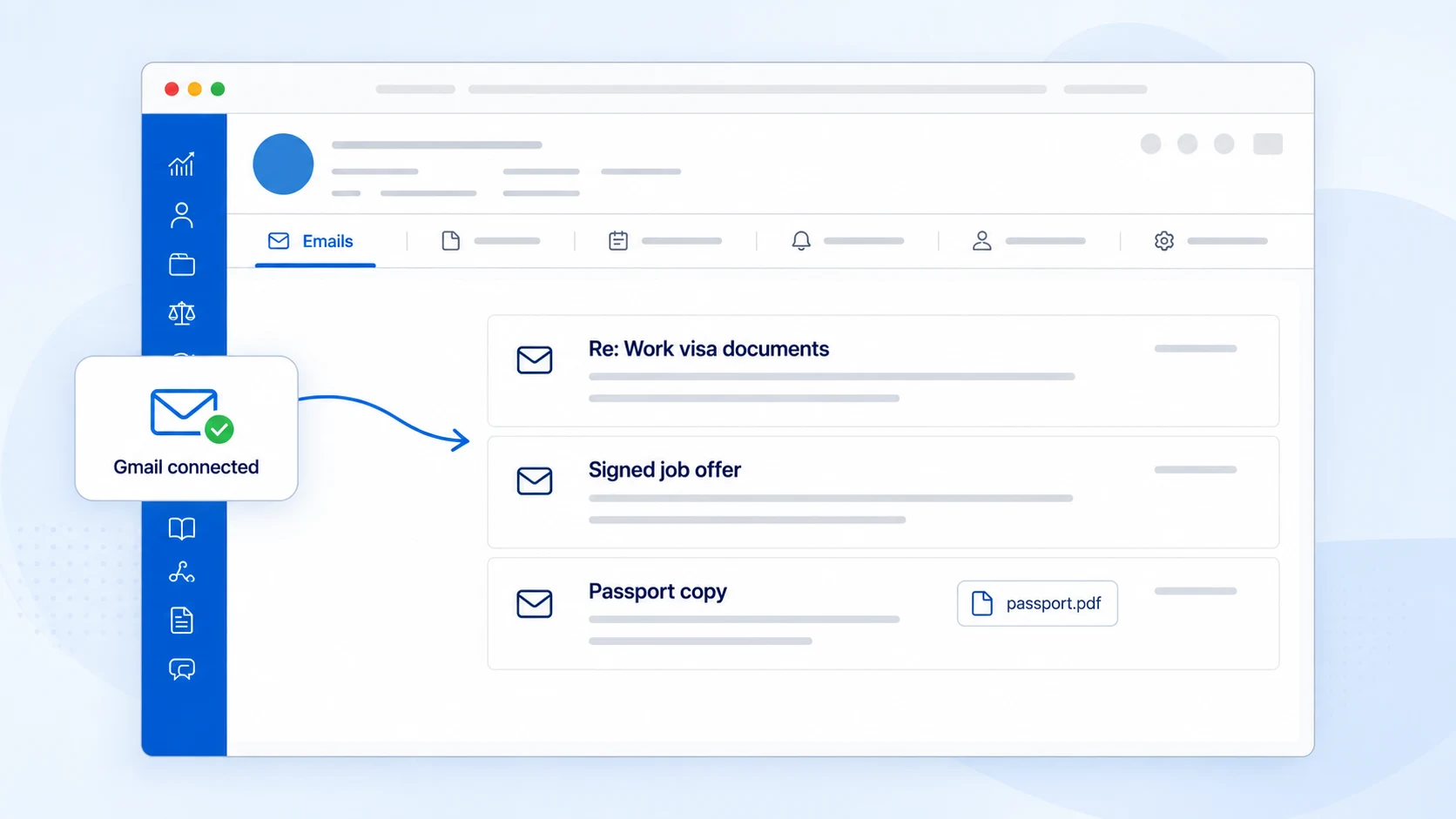
Gmail and Outlook integration is now available to everyone
Connect Gmail or Outlook and your client emails and attachments are saved to the right case automatically.
8 November 20262 min read
We have been working on email integration with a group of firms for a while, and it is now available to everyone. Connect Gmail or Outlook, and your client emails and attachments are saved to the right case automatically. Keep using your inbox exactly as you do today.
Connect your email
- Open Settings and select Email.
- Select Email Accounts, then Connect New Email.
- Choose Gmail or Outlook and sign in.
- Choose who in your team can send from the account, then select Save Changes.
You need the Connect Email Account or Manage Email Accounts permission. See how it works
Once you are connected
- File client emails automatically. Emails you send and receive, and their attachments, are saved to the client's case. See how it works
- Send from your own mailbox. Choose your Gmail or Outlook account in the From field when emailing from a case or invoice, and clients reply to the address they already know. See how it works
- Choose the case in one click. When AdviserAide cannot tell which case an email belongs to, it waits under Unmatched Emails for you. See how it works
- Keep emails from immigration authorities. Add trusted addresses under Allowed External Senders and their emails are imported too. See how it works
Using Zoho, Yahoo or another provider? Contact AdviserAide Support and we will check your provider and turn it on for you.