Back to Release Notes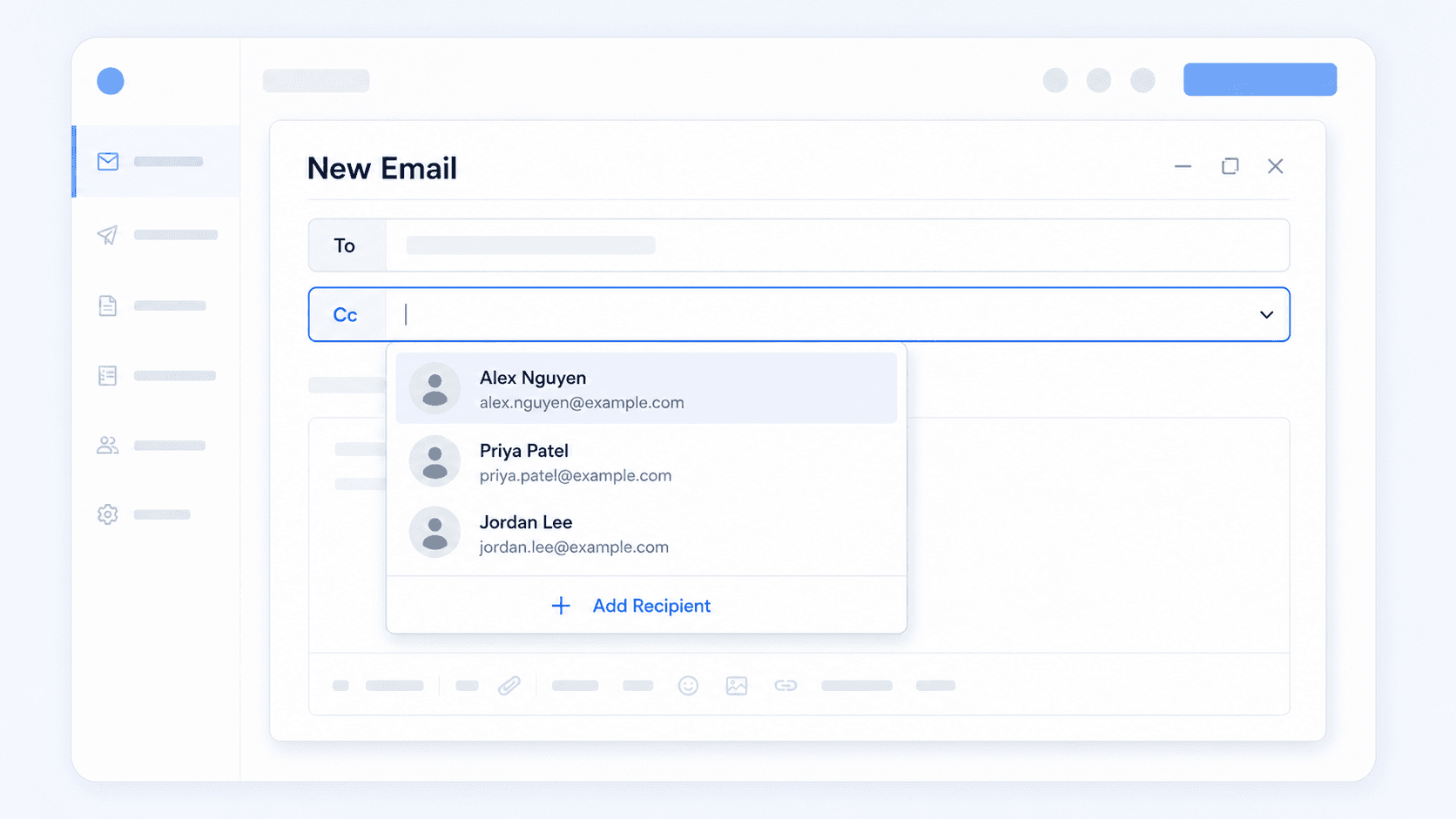
Find staff faster in email CC
Search staff by name when adding people to the CC field.
13 February 20261 min read
Adding staff members to an email CC field is now easier. You can search for staff by name instead of relying only on email addresses.
This helps when you know who needs to be copied into the email, but do not remember their exact email address.
How to use it
- Open a case.
- Go to Emails.
- Start a new email.
- Click CC if the CC field is hidden.
- Start typing a staff member's name in the Cc field.
- Select the right person from the suggestions.
- Review the recipients before sending.
Good to know
- This is most useful when you want to copy a team member into a case email.
- You can still add someone manually if they are not shown in the suggestions.
- Always review To and Cc before sending client emails.