Back to Release Notes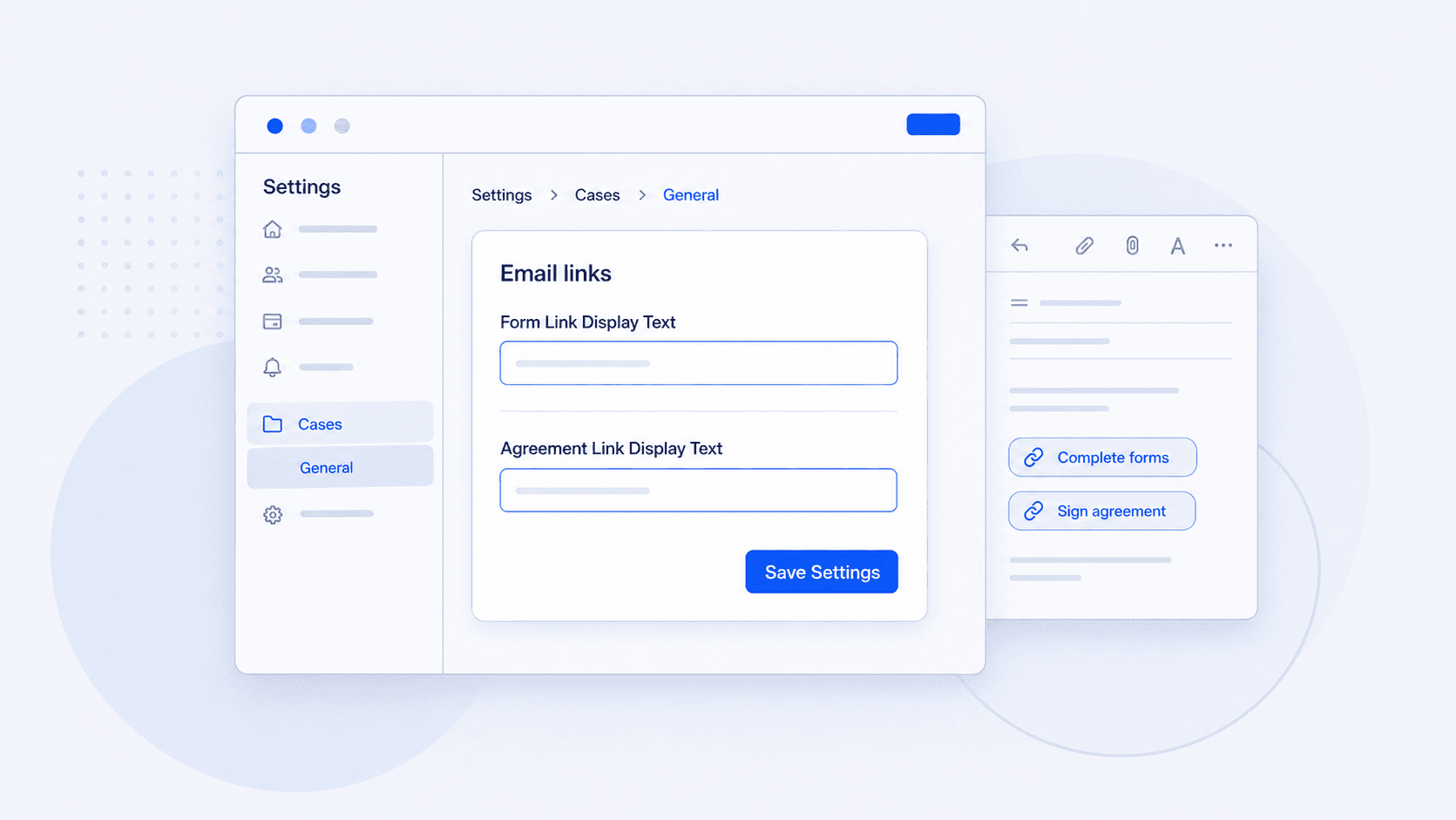
Choose the wording for form and agreement links
Set the default text used when form and agreement links are inserted into case emails.
18 June 20261 min read
When users inserted a form or agreement link into a case email, AdviserAide used the default link text: "Click here to view forms" for forms and "Click here to view client service agreement" for agreements.
If your team wanted the link to say something else, users had to edit the link text manually each time.
Now admins can set the default wording once. The next time someone inserts a form or agreement link into a case email, AdviserAide uses the wording saved in Settings.
How to set it
- Go to Settings.
- Open Cases.
- Open General.
- In Email links, enter the wording you want to use for Form Link Display Text and Agreement Link Display Text.
- Select Save Settings.
Leave either field blank to keep the AdviserAide default wording. This applies to links inserted after you save the setting; existing sent emails are not changed.