Back to Release Notes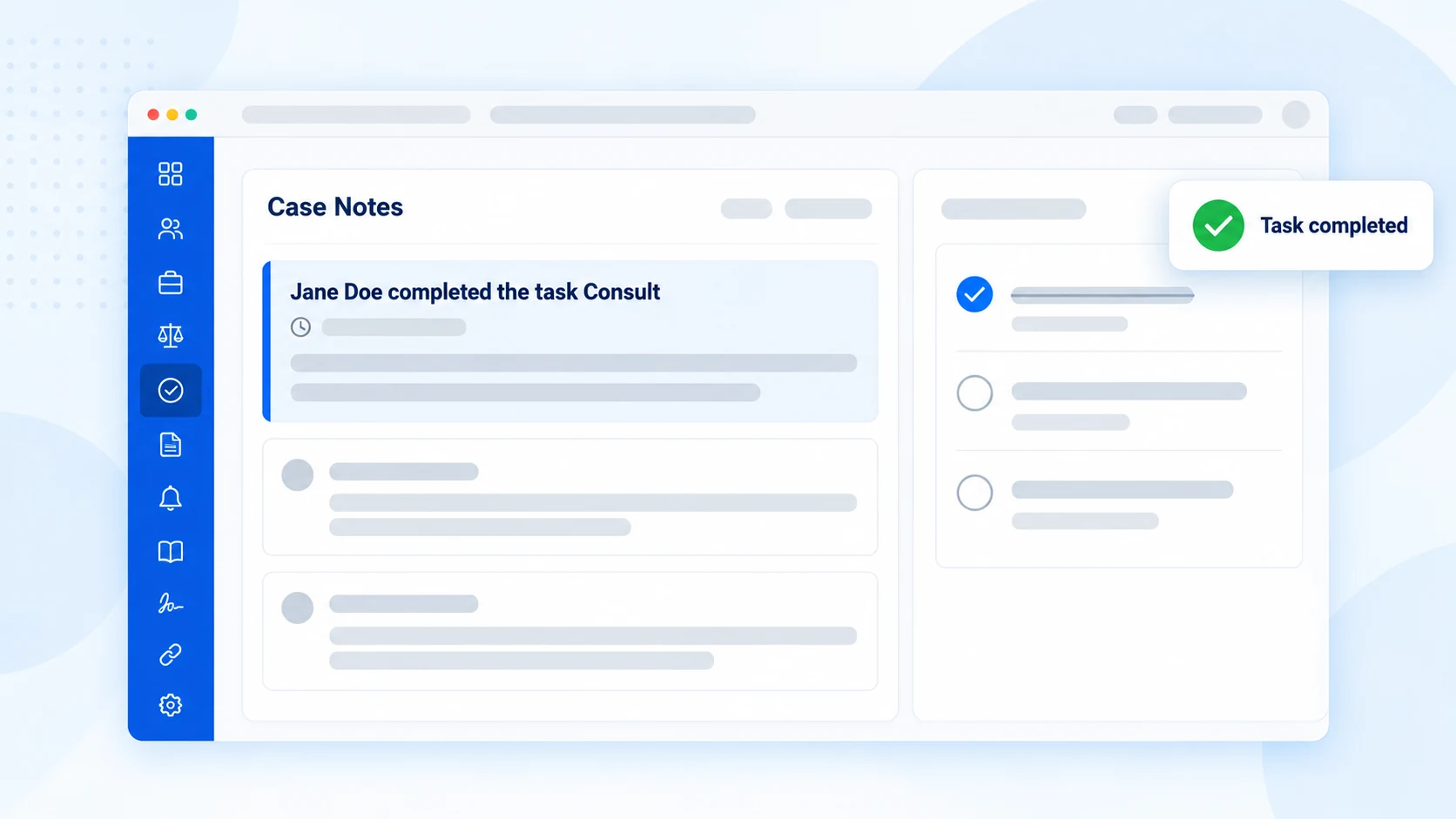
Completed tasks can now be recorded in your case notes
Tick a case task as complete and AdviserAide adds a timestamped note listing what you did.
8 November 20261 min read
Ticking off a case task showed the work was done, but your case notes did not. To prove each step on the file, you had to write a separate note or send a follow-up email.
Now AdviserAide can add the note for you. When you mark a case task as complete, a note like "Jane Doe completed the task Consult" is added to the case, followed by the task's description. The note is timestamped and cannot be edited. Over time, your case notes become a running record of the steps you took and when.
How to set it
- Open Settings, select Cases, then General.
- Turn on Log completed tasks to case notes under Completed tasks in notes.
It is off until you turn it on. Staff reminders are not recorded, only case tasks.