Back to Release Notes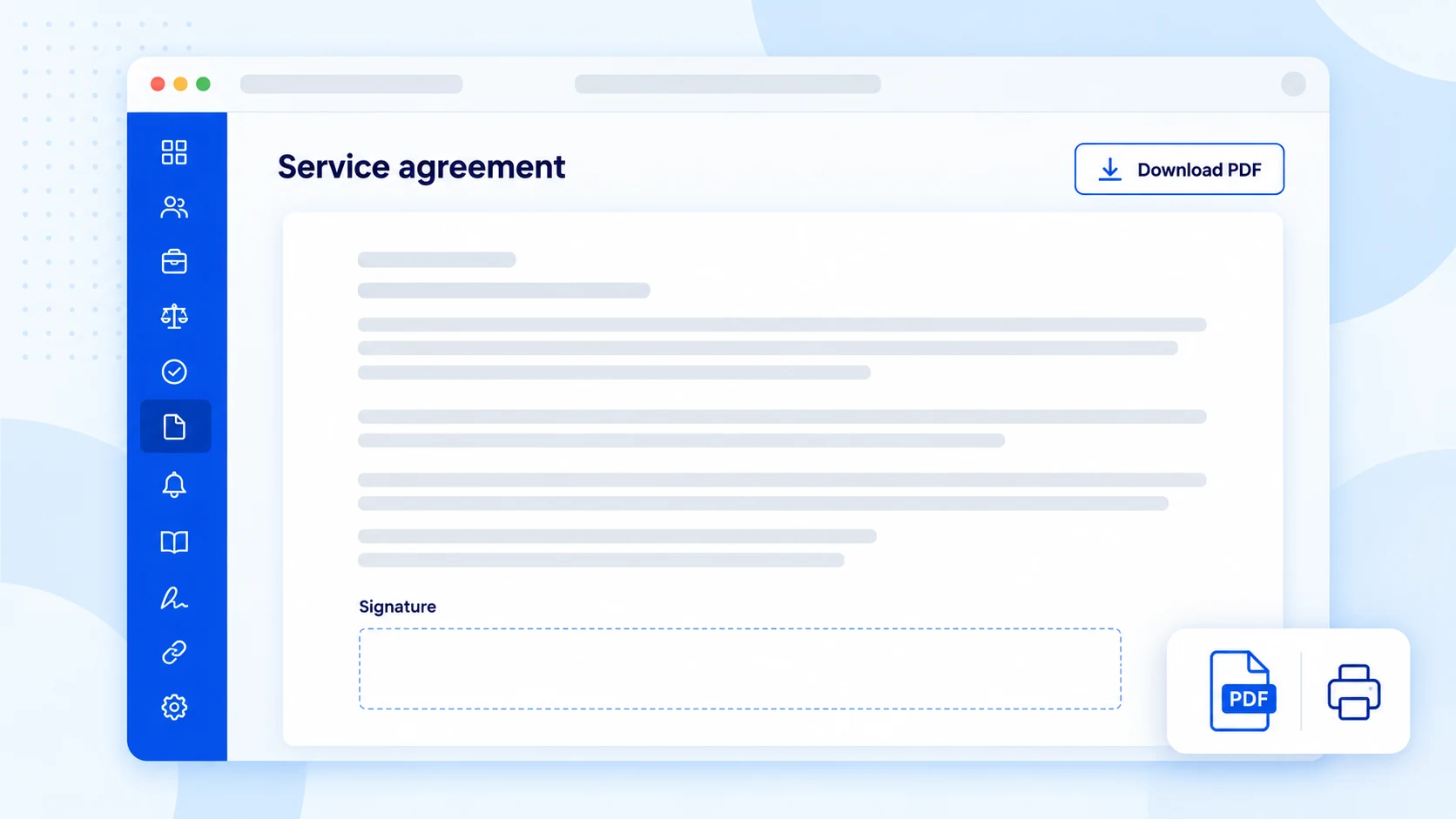
Clients can download agreements and PDF forms as a PDF
Let clients who prefer paper download an agreement or PDF form from ClientHub to print and sign by hand.
8 November 20261 min read
Some clients prefer to print an agreement and sign it by hand, or to fill in a form on paper. Until now they could only open these in ClientHub, and you had to send them a separate copy.
Now you can let clients download them from ClientHub. When this is on, a Download PDF button appears on agreements waiting for the client's signature and on PDF forms.
- Agreements download with the signature spaces left blank, ready to print and sign.
- PDF forms download with the answers the client has saved. Signature fields that are not signed yet are left blank.
How to set it
- Open Settings, select Cases, then General.
- Under Client PDF downloads, turn on Allow clients to download PDFs.
It is off until an administrator turns it on. The button appears on agreements created in the new contract editor.