Back to Release Notes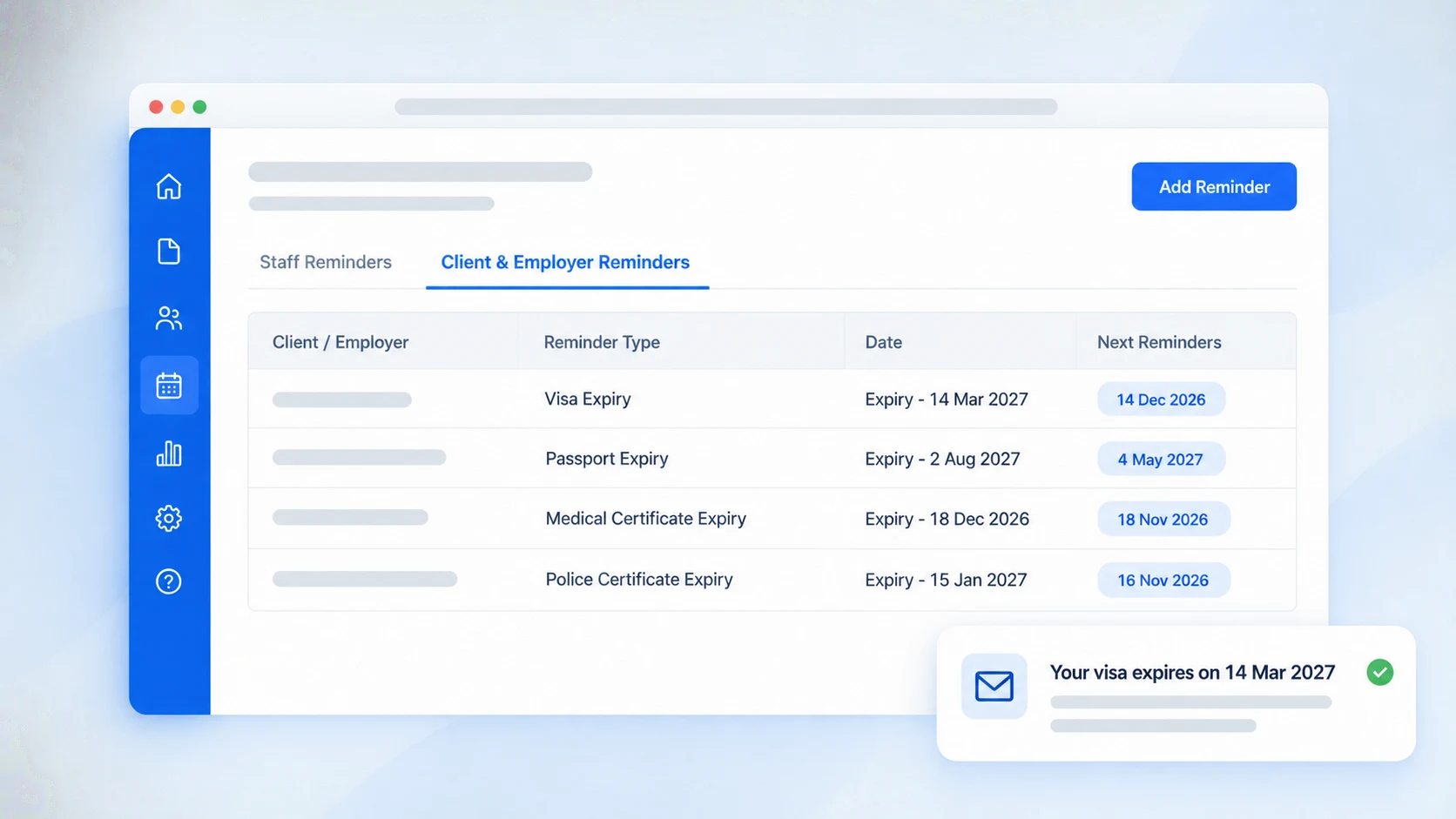
Introducing Client Reminders
Email clients before their visa or passport expires, remind them to complete forms and sign agreements, and set reminders for your team.
28 September 20261 min read
AdviserAide now emails your clients before their visa or passport expires, follows up on unfinished forms and unsigned agreements, and reminds your team what's due.
What you can do now
- Remind clients to complete forms and sign their client agreement. The emails stop by themselves once it is done. See how it works
- Remind clients before a visa, passport or medical certificate expires. See how it works
- Remind employers before their accreditation expires. See how it works
- Remind yourself or your team to call a client or follow up on a missing document. Staff reminders now have their own tab on the Reminders page. See how it works
Common reminders such as Visa Expiry and Passport Expiry are already set up for your country, each with a ready-made email. Change the wording or timing
Add your first client reminder
- Open the client's profile and select the Reminders tab.
- Select Add Reminder.
- Choose what the reminder is for, such as Visa Expiry, and enter the date.
- Select Save.