Back to Release Notes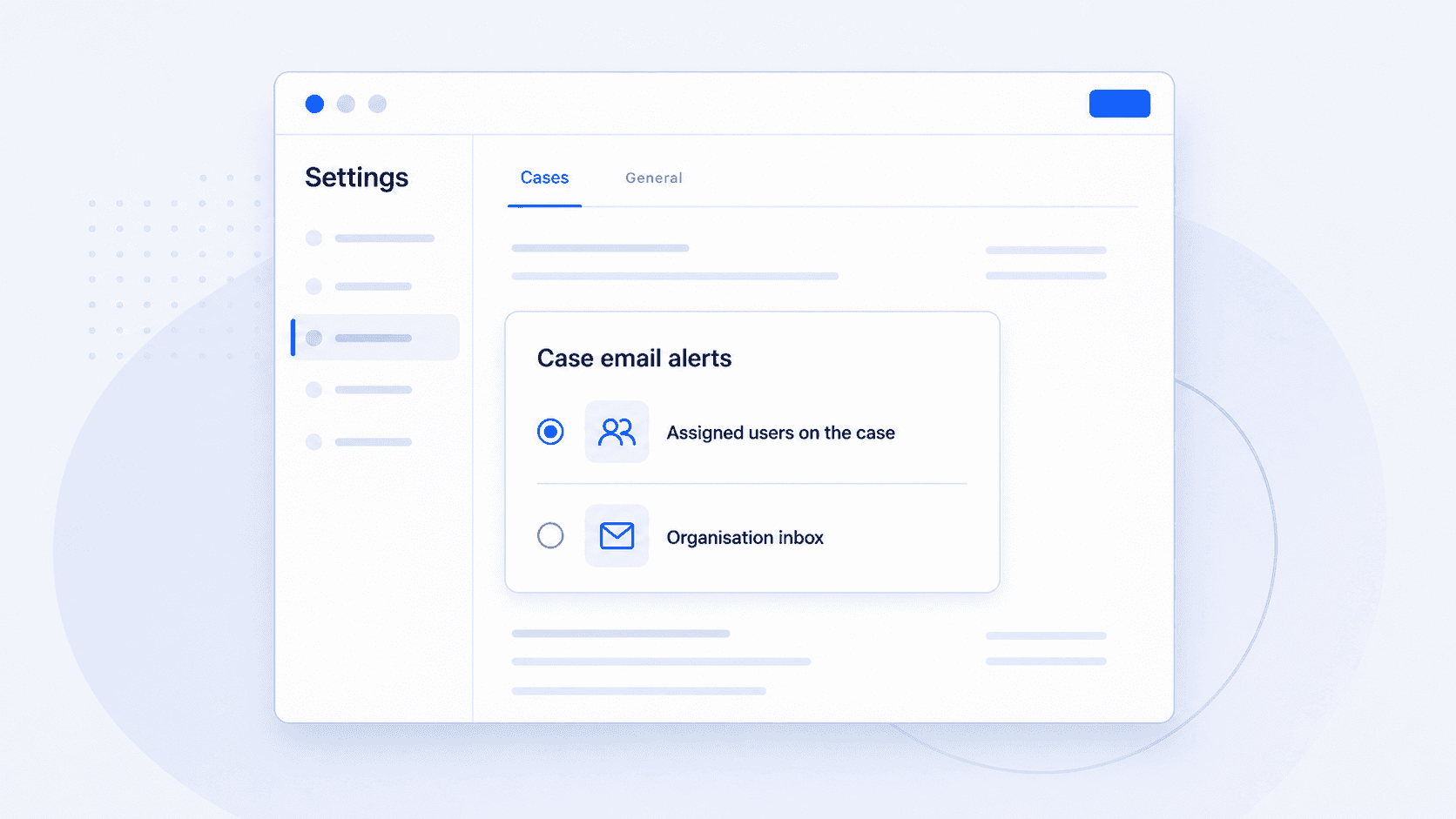
Choose who receives form and agreement email alerts
You can now choose who receives email alerts when a client fills in a form or signs an agreement.
18 June 20261 min read
You can now choose who receives email alerts when a client fills in a form or signs an agreement.
Some teams want these email alerts to go to the organisation inbox. Other teams want the users assigned to the case to receive them directly.
Before this, email alerts went to the organisation inbox. If the assigned adviser needed to act, someone still had to check or forward that email.
Now you can keep email alerts going to the organisation inbox, or send them directly to the users assigned to the case.
How to set it
- Go to Settings.
- Open Cases.
- Open General.
- In Case email alerts, choose Assigned users on the case or Organisation inbox.
The Organisation inbox option uses the email address saved in your company settings.