Back to Release Notes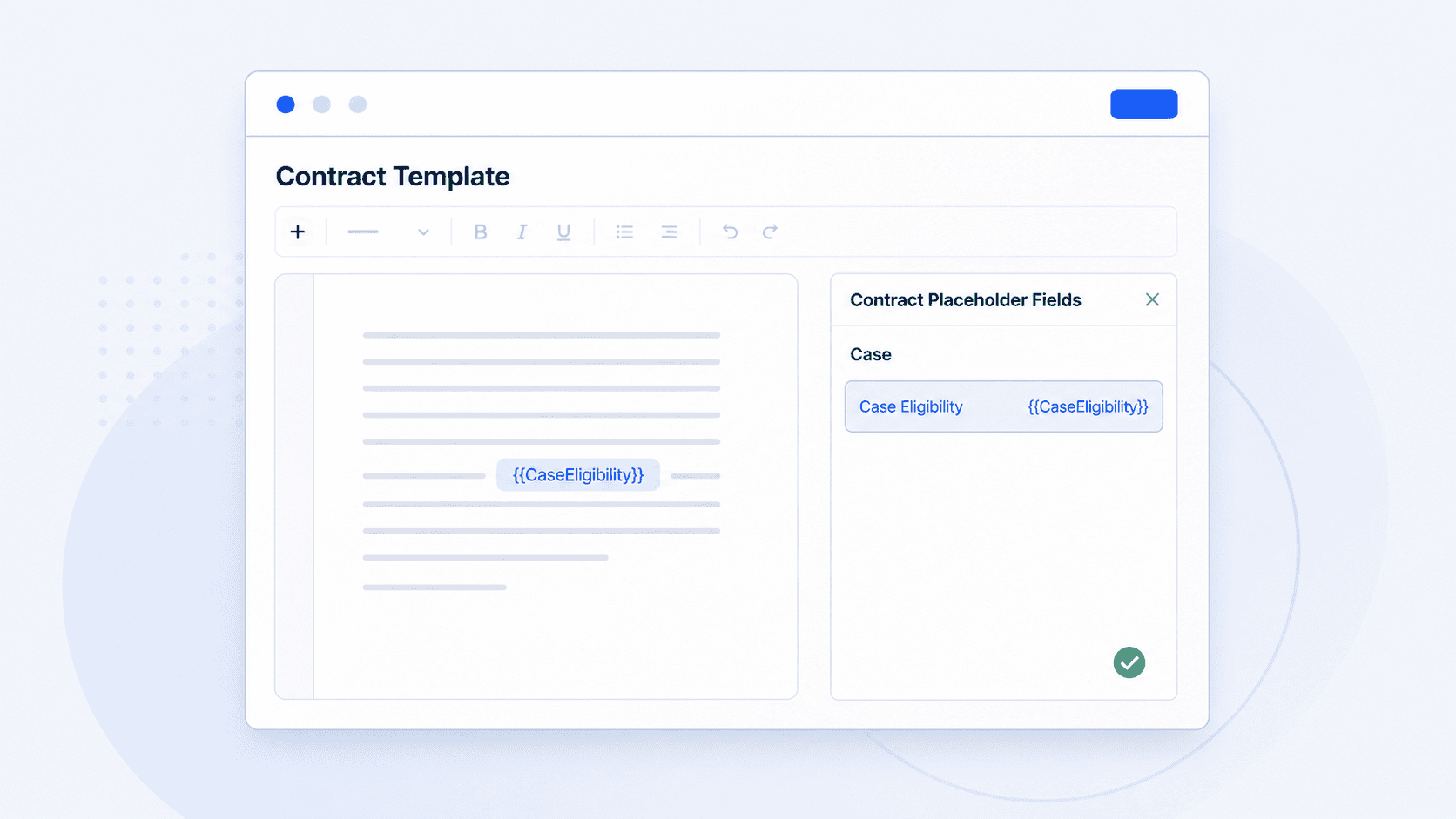
Contract templates can now pull in the eligibility saved on the case
Contract templates can now pull in the eligibility saved on the case for client sign-off.
18 June 20261 min read
You can now add the case eligibility saved on a case into contract templates.
How to use it
- Open Contract Templates.
- Create or edit a contract template.
- Open Contract Placeholder Fields.
- Under Case, select Case Eligibility to copy
{{CaseEligibility}}. - Paste the placeholder where the eligibility wording should appear.
- Save the template.