How to Get Inspection-Ready Before the IAA Asks
Inspection readiness is not a last-minute admin project. It is the habit of keeping each case record complete, findable, and reviewable while the work is happening.
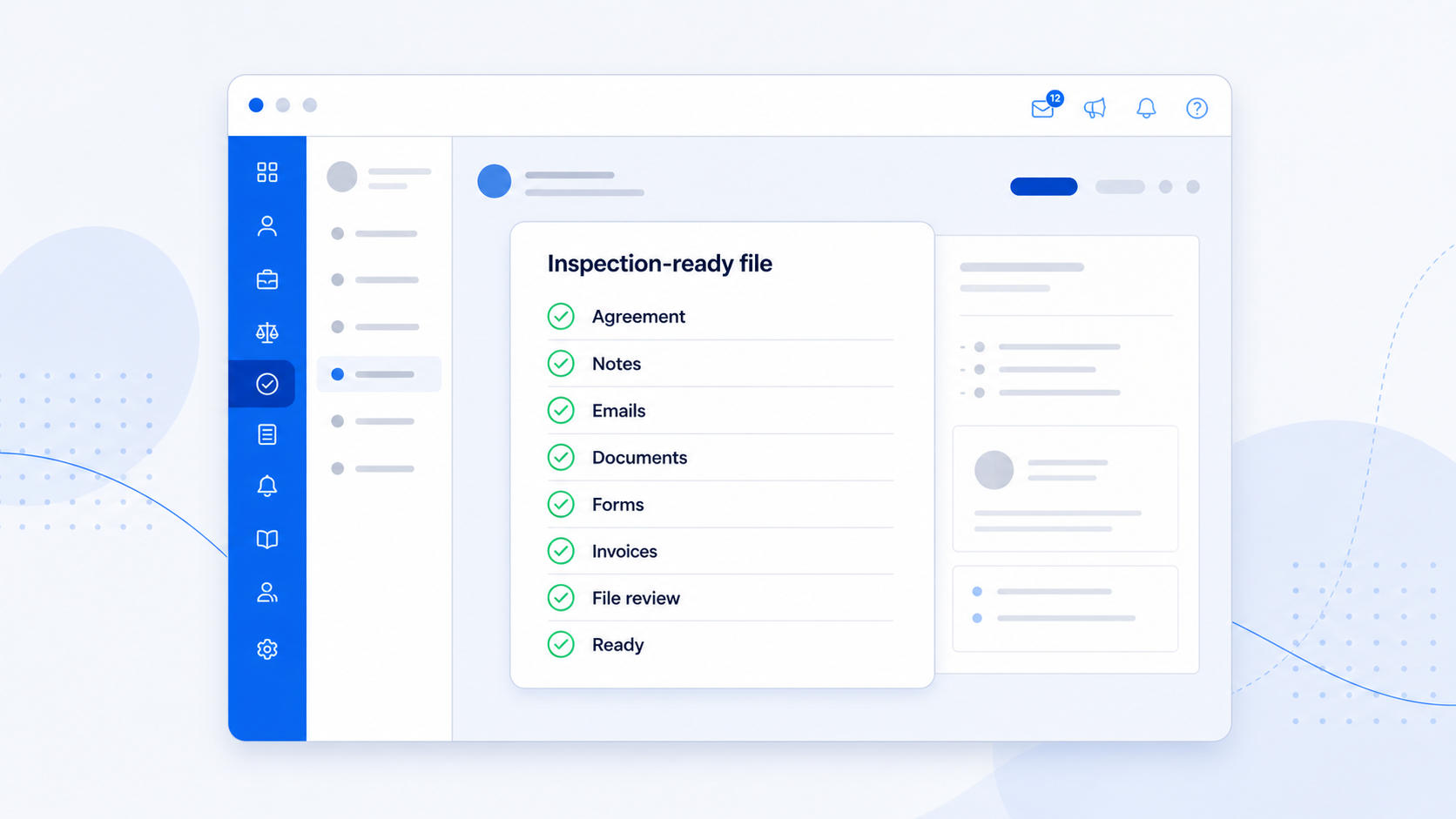
Being inspection-ready is easier when the case record is kept up to date as the work happens. File management gaps often appear because case work moves quickly. Emails are sent, forms come back, clients call with new information, documents arrive in pieces, and invoices are issued while the adviser is already thinking about the next deadline.
The practical goal is simple: if someone asks to review a file, your team should be able to open the case and understand what happened without rebuilding the story from inboxes, folders, spreadsheets, and memory.
The official IAA guidance says a client file must include the application or matter, agreements and changes, written communications and material oral file notes, invoices and receipts, personal documents, and evidence of returning originals. It also requires files to be kept for at least seven years after closing. Read the IAA file-management guidance. Reviewed 2 September 2026.
Think review-ready, not panic-ready
A review-ready file does not need to be theatrical. It needs to show the agreement, the key communications, the evidence, the advice trail, the fees, the documents, and the current state of the matter.
What to check before inspection pressure arrives
Agreement and scope
Confirm the signed agreement, fee terms, scope changes, and key client instructions are easy to locate.
Case chronology
Make sure important decisions, advice, calls, emails, and client instructions are visible in date order.
Documents and evidence
Keep the material received, versions used, files submitted, and any returned originals recorded with the matter.
Forms and contracts
Keep submitted data collection forms, signed contracts, and related system activity with the case.
Invoices and payment records
Keep invoice, receipt, and payment communication tied back to the case, not only in accounting or email tools.
Tasks and follow-ups
Review due dates, missing information, expiry dates, and responsibility so open work is not hidden in memory.
Where AdviserAide helps
AdviserAide is designed around the case profile, so the record is built in the same place your team does the work. That matters because inspection readiness depends less on a heroic clean-up day and more on daily capture.
Case emails stay with the case
Emails sent from the case, replies, forwards, attachments, and invoice emails can be reviewed from the Emails tab.
Notes are built where the work happens
Advisers can add notes, use templates with placeholder fields, attach files, add structured tables, and export notes to PDF.
Client actions leave a trail
Submitted forms and signed contracts create system notes, so the case history captures important client activity.
Finance records connect back to the matter
Invoice and receipt emails are recorded against the related case so fee communication is easier to review.
Use a simple 30-minute weekly review
You do not need to inspect every file every week. Pick one active case, then work through a short routine. The point is to catch missing records while the context is still fresh.
- 1. Pick one active case and check whether the agreement is saved.
- 2. Open Notes and confirm material calls, advice, and follow-ups are recorded.
- 3. Open Emails and check important sent and received messages are tied to the case.
- 4. Check Documents, Forms, Contracts, and Finance for missing evidence or file copies.
- 5. Add tasks or reminders for anything that is still open.
The best inspection file is the normal working file
If the normal case record is complete, inspection preparation becomes a review exercise. If the normal record is scattered, inspection preparation becomes a reconstruction exercise. The first option is calmer, faster, and easier for a busy practice to sustain.
See how the records fit together in our immigration case management guide.
Keep every case review-ready
AdviserAide helps immigration teams keep notes, emails, forms, contracts, invoices, documents, tasks, and reminders connected to the case.
Book a DemoThis article is general practice-management information, not legal advice. AdviserAide can support record organisation, but using the software does not by itself guarantee compliance with professional obligations.