Turn Your Existing Word Agreement Into a Reusable Client Agreement
Import the agreement your organisation already uses, add client and case placeholders, then send a secure signing link without rebuilding the document for every new case.
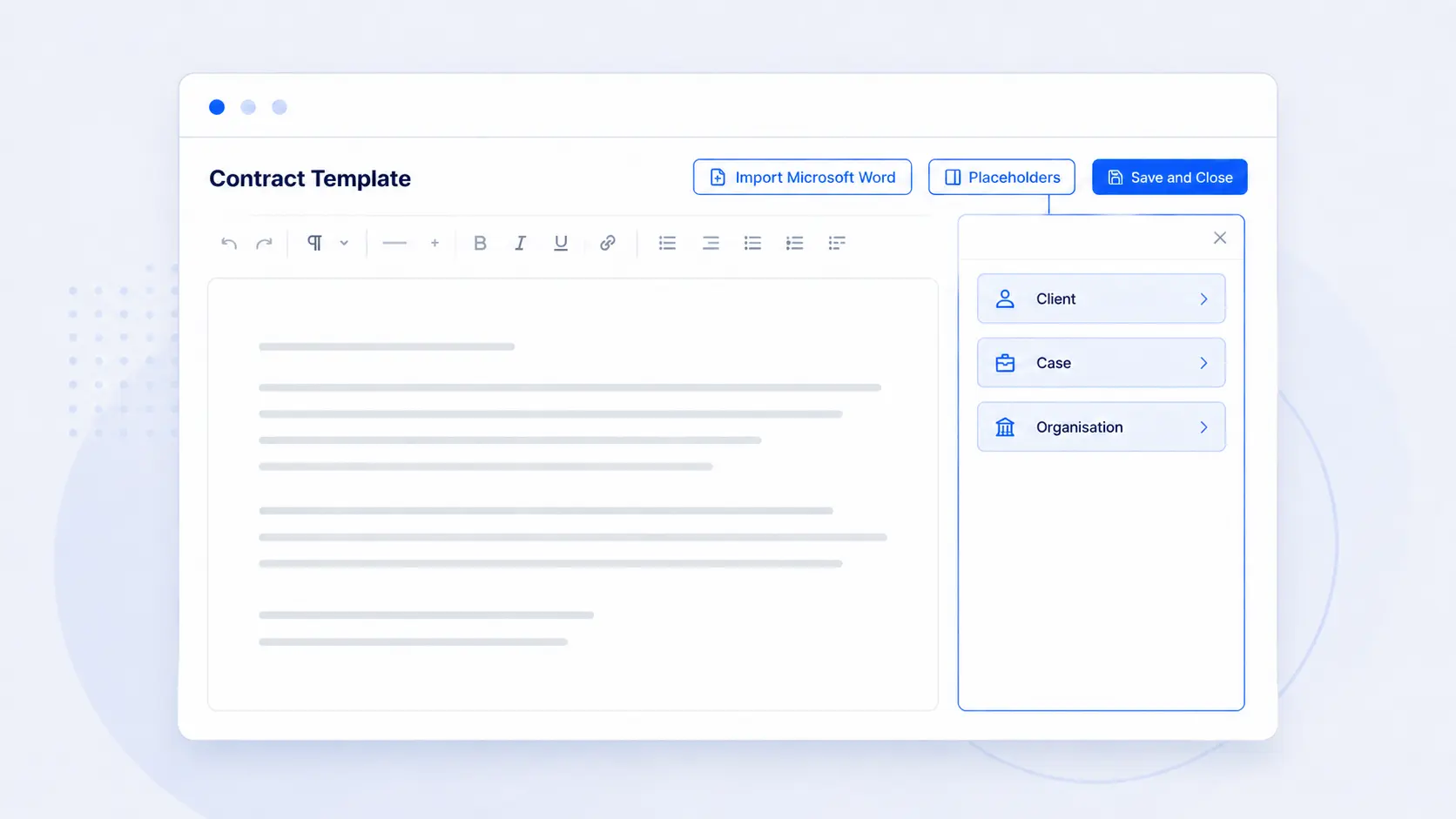
Most immigration practices already have a client agreement they trust. The work starts again when a new case opens: make a copy, replace the previous client's details, update the services and check that nothing from the old agreement was left behind.
AdviserAide's new contract editor lets you turn that existing Word document into one reusable template. Keep the wording and layout your organisation already uses, then let AdviserAide fill in the information that changes from case to case.
Start with the agreement you already have
You do not have to retype an established agreement inside AdviserAide. Import a modern Microsoft Word file, review the formatting and make it reusable.
Import your Microsoft Word agreement
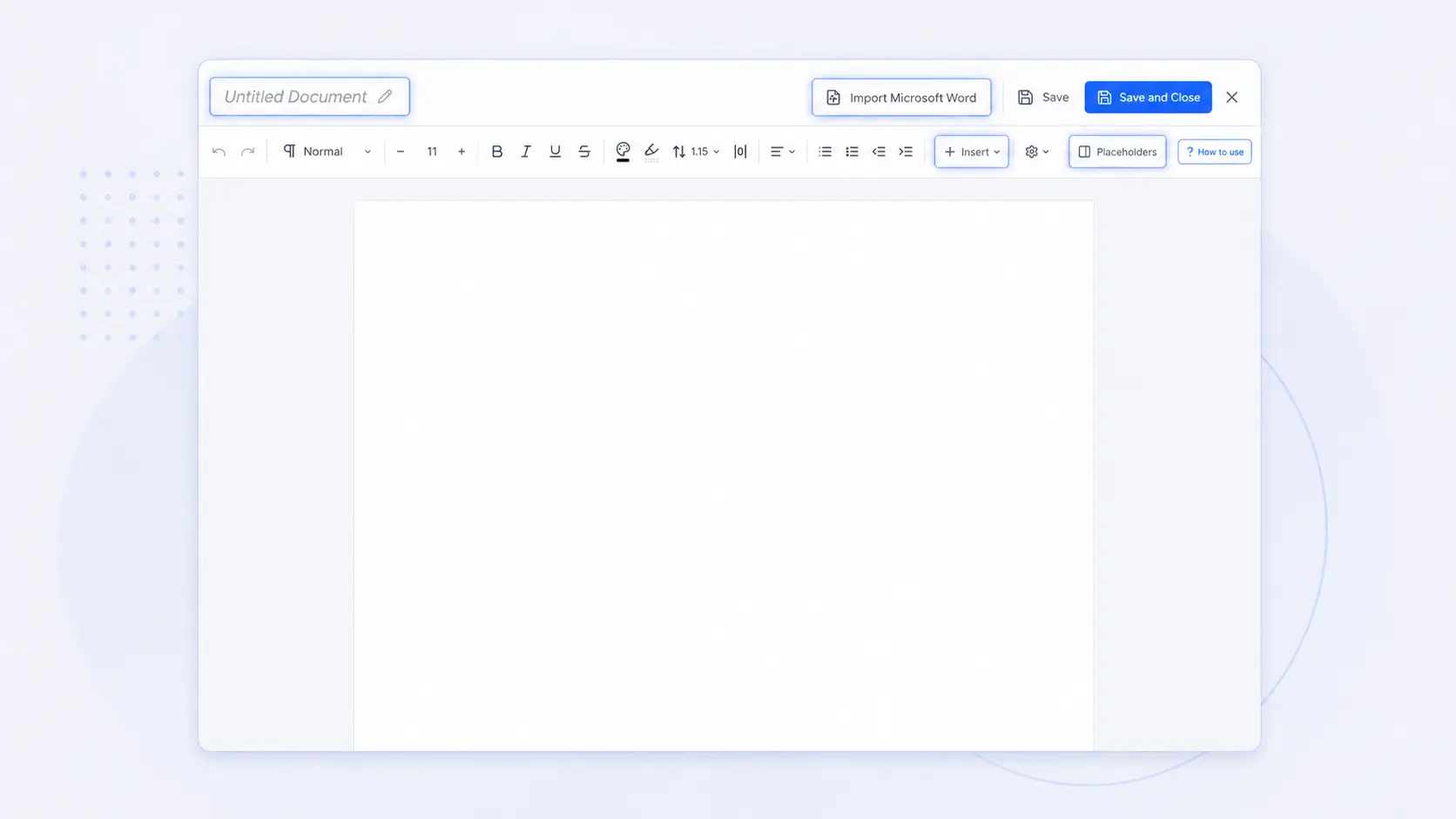
Open Contract Templates, create a new template and select Import Microsoft Word. Give the template a clear name, then review the imported document. You can edit the wording, apply formatting and add images from the same editor.
Keep your wording
Start from the agreement your organisation has already reviewed and approved.
Make changes in place
Update text, formatting, tables, links, headers, footers and images in one editor.
Replace repeated typing with placeholders
Click where information should appear, open Placeholders and choose the client, case, organisation or employer field you need. You can insert names, contact details, the case category, dates and your organisation's own custom fields.
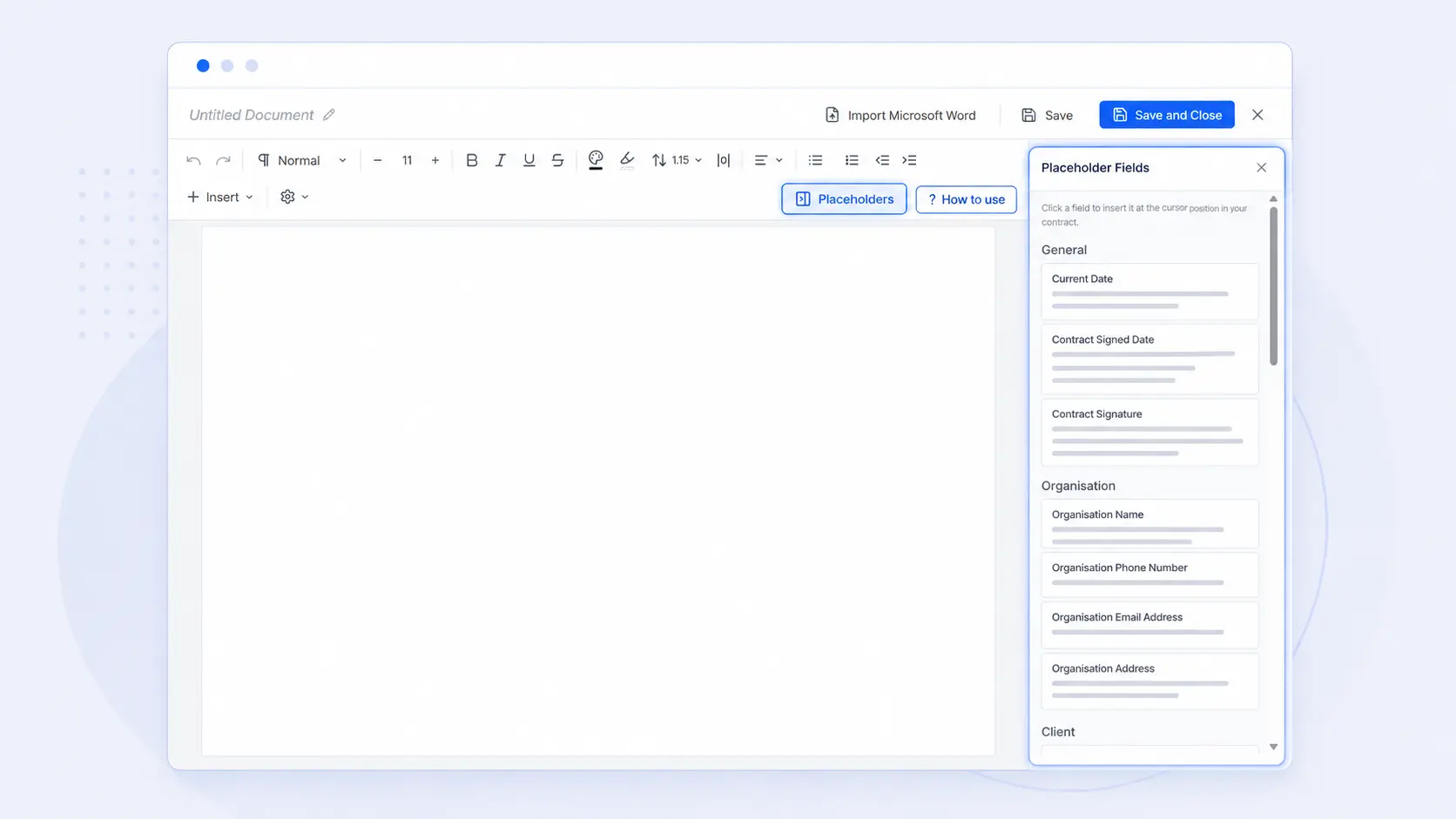
When the template is assigned to a case, AdviserAide replaces those placeholders with the information saved against that client and case. If something is missing, you can enter it while reviewing the agreement before it is sent.
Add the signatures your agreement needs
Add a contract signature placeholder and its matching signed-date placeholder for each person who needs to sign. Numbered placeholders keep each signature and date together when an agreement has more than one signer.
Assign the template and review the finished agreement
Open the case, select Contracts and assign the template. AdviserAide opens a new agreement with the available client and case details already filled in. Review the wording, complete anything that is still missing and make any changes needed for this case.
Send one secure link and keep the signed copy with the case
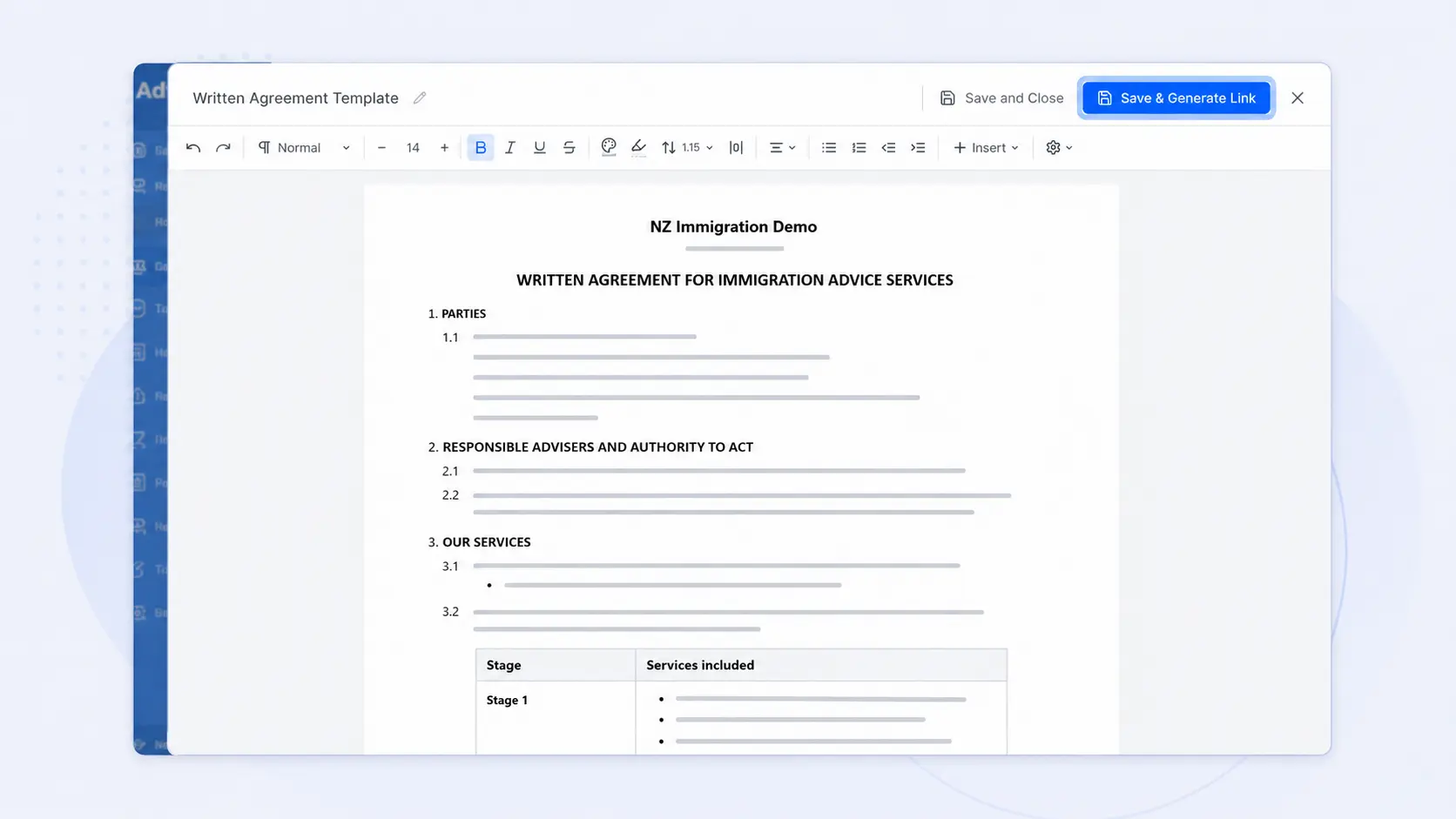
Select Save & Generate Link when the agreement is ready. The client opens the secure link on a phone, tablet or computer and completes the required signatures. Once submitted, the signed agreement is saved as a PDF in the case documents and the contract status changes to Signed.
How to access the new editor
New AdviserAide customers receive the new contract editor. Existing customers using the previous editor can contact our support team to request access.
Follow the complete setup guide
The step-by-step documentation covers importing a Word agreement, adding placeholders, setting up multiple signers, assigning the template and generating a signing link.
Creating and Sending a Contract for Signature
Open the new contract editor guide in the AdviserAide Help Center.
Reuse the Agreement You Already Trust
See how AdviserAide can turn your existing agreement into a reusable signing workflow for every new case.
Book a Demo